---
url: /guide/notice.md
description: >-
了解如何使用 @theojs/lumen 插件,为你的 VitePress
网站首页添加一个引人注目的公告栏组件。轻松配置和展示活动信息、重要通知或快速安装命令,有效提升首页互动性和信息传递效率。
---
# 首页公告栏组件 - Notice
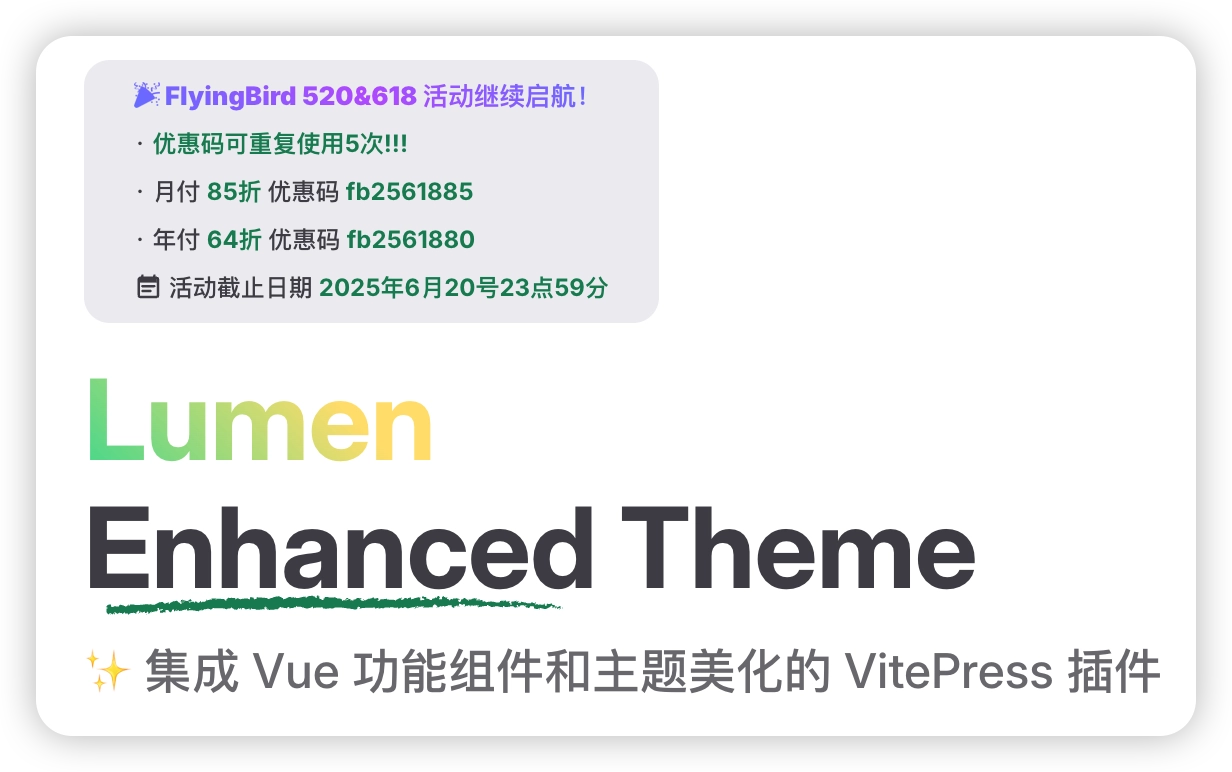
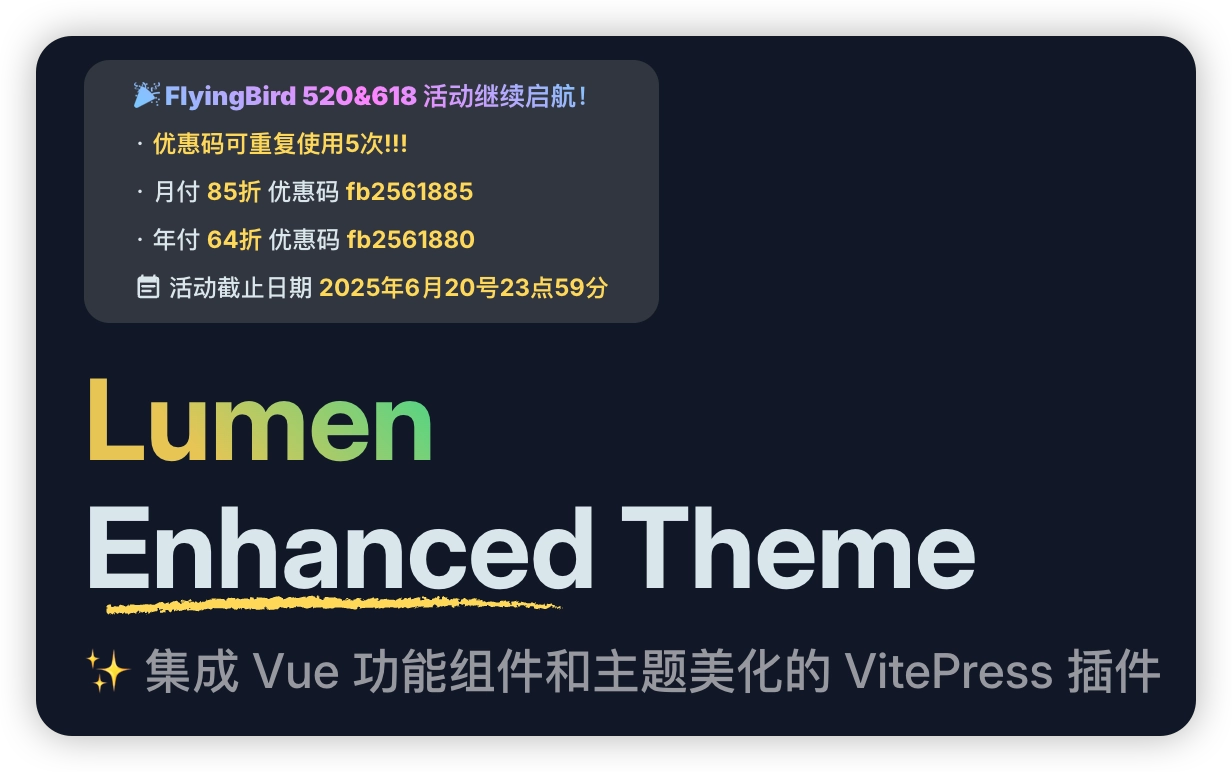
## 引入组件
```ts [.vitepress/theme/index.ts]
import DefaultTheme from 'vitepress/theme'
// [!code ++]
import { h } from 'vue'
// [!code ++]
import { Notice } from '@theojs/lumen'
export default {
extends: DefaultTheme,
// [!code ++]
Layout() {
// [!code ++]
return h(DefaultTheme.Layout, null, {
// [!code ++]
'home-hero-info-before': () => h(Notice)
}) // [!code ++]
} // [!code ++]
}
```
## 配置公告栏
在站点内容根目录的 `index.md` 中配置 `hero.Notice`。字段名 `Notice` 区分大小写。
```yaml{4-12} [index.md]
---
layout: home
hero:
Notice:
title: '🎉 Lumen 新功能发布'
desc: | # 支持 YAML 的换行符,保持多行格式
· 查看更新说明与使用示例
· 欢迎在项目仓库提交反馈
date: '2026年12月31日'
dateIcon: 'mdi:calendar-star'
dateText: '活动时间'
link: 'https://github.com/s-theo/lumen'
---
```
## 数据接口说明
| 字段 | 类型 | 描述 | 是否必填 |
| ----------- | ------------ | ------------------------------------------------------------------------------------------------------------------------------------------------------------------------------------------------ | --------------------- |
| `link` | `LinkType` | 链接地址,点击后跳转的目标 URL。 | |
| `rel` | `RelType` | 链接的 `rel` 属性,用于控制链接的安全性和行为,如防止新窗口跳转时的安全风险(`noopener`)、避免搜索引擎跟踪(`nofollow`)等。 | |
| `target` | `TargetType` | 链接的目标窗口。默认根据链接地址判断:外部链接默认在新标签页打开(`_blank`),内部链接无默认值(`即当前页打开`)。可自定义覆盖该行为。 | |
| `title` | `string` | 链接显示的标题文本,突出展示的主要内容。 | |
| `desc` | `string` | 链接下方的补充描述内容,可用于详细说明或附加信息。 | |
| `date` | `string` | 活动截止日期或相关时间信息,通常用于提示有效期限。 | |
| `dateText` | `string` | 活动时间的文字说明,仅在设置 `date` 时显示;默认值为 `活动时间: 即日至`。 | |
| `dateIcon` | `IconType` | 日期图标,仅在设置 `date` 时显示。建议与 `dateImage` 二选一;同时设置时优先显示 `dateIcon`。两者都未定义时使用默认图标 `heroicons:calendar-days`。详情查看 [IconType](#IconType) | |
| `dateImage` | `ImageType` | 日期图片,仅在设置 `date` 时显示。建议与 `dateIcon` 二选一;同时设置时优先显示 `dateIcon`。两者都未定义时使用默认图标 `heroicons:calendar-days`。详情查看 [ImageType](#ImageType) | |
## IconType
```ts
export type IconMode = string | { light: string; dark: string }
export type IconType =
| string
| { icon: string; color?: IconMode }
| { light: string; dark: string; color?: IconMode }
| { svg: IconMode }
```
## ImageType
```ts
export type ImageType =
| string
| { src: string; crop?: boolean; [prop: string]: any }
| { light: string; dark: string; crop?: boolean; [prop: string]: any }
```
## 其他公共类型
```ts
export type SizeType = null | string | number
export type LinkType = string | undefined
export type RelType = string | undefined
export type TargetType = string | undefined
```